
Virtual tour and virtual reality
Walk through your facility remotely, before and after the works.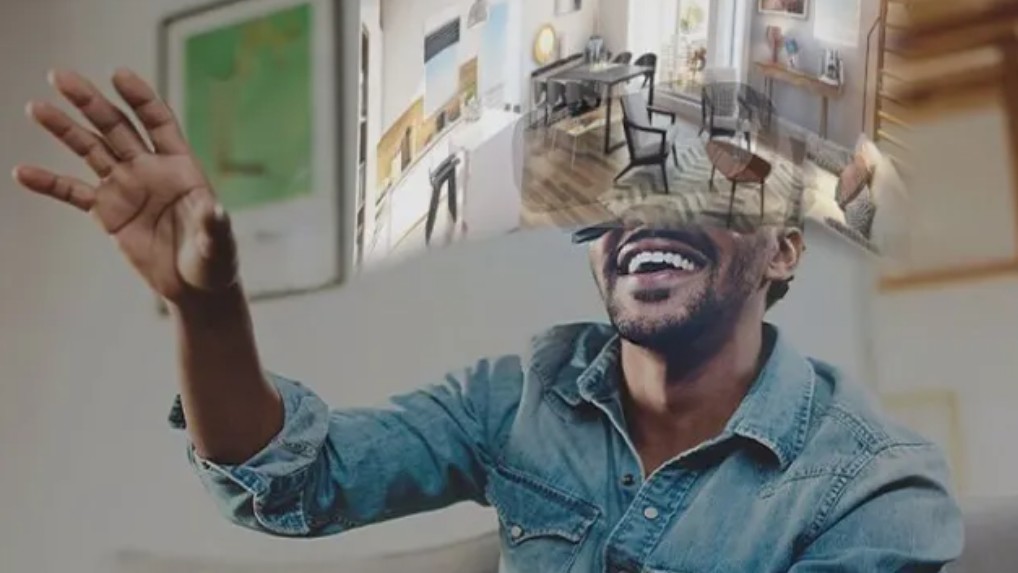
Overview
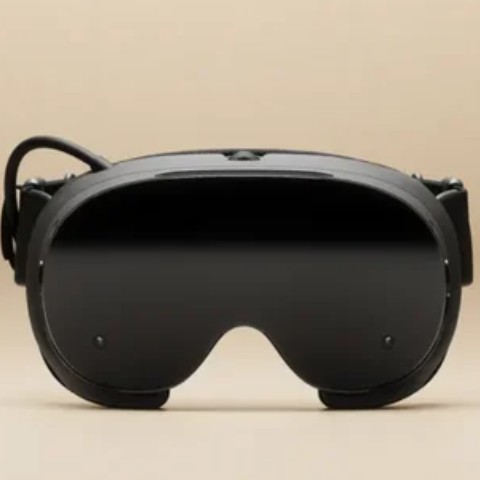
The virtual tour extends the digital model: instead of reading drawings, you step into the facility. From the point cloud of an existing site or the BIM model of a project, we prepare a walkthrough that anyone can explore on a screen, in a browser or with a virtual reality headset.
In the BIM process, it comes downstream of capture and modelling: it is used to validate choices with the client and operators, to spot accessibility or maintenance problems before fabrication, to prepare interventions and to train teams. It reduces site travel, particularly valuable in restricted-access or ATEX zones.
Fields of application
- Scanned existing facilities
- Projects at preliminary design stage
- Design reviews with the client
- Preparation of shutdowns and interventions
- Accessibility and maintenance analysis
- Training and familiarisation of teams
- Restricted-access or ATEX zones
- Commercial presentation of a project
Our services
360° tour of the scanned site
Walkthrough from laser scans, viewable in a browser by all stakeholders.
Virtual reality immersion
Exploration of the BIM model at 1:1 scale with a headset: volumes, heights, clearances.
Measurements and annotations
Taking dimensions, locating equipment and comments directly in the scene.
Immersive project review
Validation meeting around the model with the client and operators.
Preparation of interventions
Simulation of routes, access and handling areas before the works.
Training and awareness
Familiarising teams with a facility before they arrive on site.
Our method
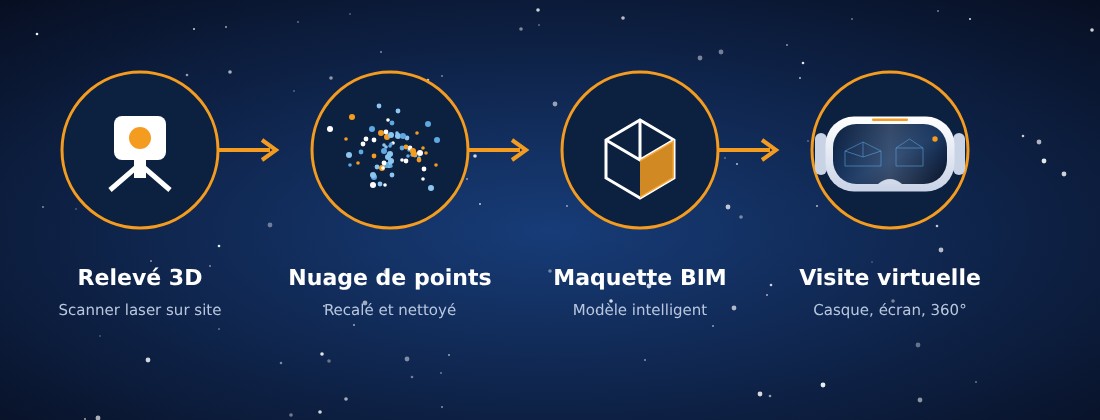
- 1
Scoping
Purpose of the tour, target audience, level of detail and type of delivery: browser, screen or headset.
- 2
Data preparation
Registered point cloud or BIM model lightened and organised for smooth navigation.
- 3
Staging
Walkthrough, viewpoints, measurements, annotations and links to useful information.
- 4
Delivery and feedback
Delivery, onboarding and collection of comments to update the model.
Deliverables
- 360° virtual tour viewable remotely
- Immersive walkthrough for virtual reality headset
- Marked viewpoints and annotations
- Screenshots and presentation videos
- Getting-started guide
- Review feedback integrated into the model
What you gain
- Decisions made earlier, on a shared vision
- Less travel and fewer return visits to site
- Accessibility problems spotted before fabrication
- Teams better prepared before the intervention
Tools used



Frequently asked questions
Is a headset needed to view the tour?
No. The 360° tour opens on a computer or tablet; the virtual reality headset provides 1:1 scale immersion for major reviews.
What is the difference from a simple 3D model?
The model is handled from the outside; the tour places the user at human height within the facility, which reveals access and handling difficulties.
At what point in the project should it be offered?
Ideally after capture or modelling, before the design is frozen, then again before the works to prepare interventions.
Explore our
activities
You are here: the orange dot. Hover a dot to freeze the constellation, click to switch activity.
Other activities
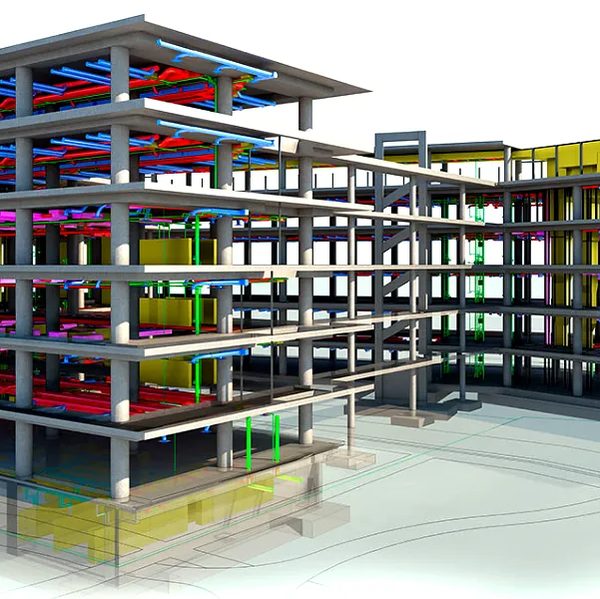
Architectural modelling
Industrial and commercial buildings modelled in 3D: design, interior layout, execution drawings and renderings.
Learn more →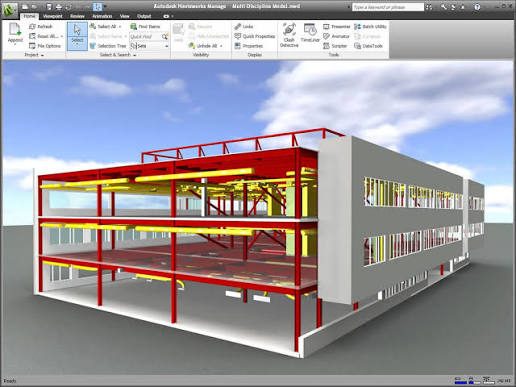
BIM model and 5D simulation
Multidisciplinary model, clash review, automatic quantity take-offs and 4D/5D simulation (schedule and costs).
Learn more →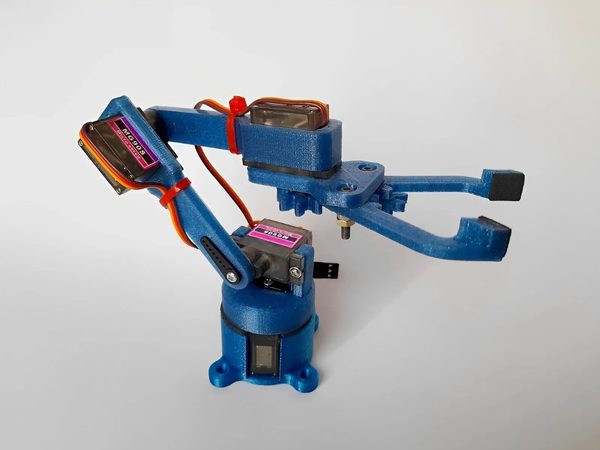
Prototyping and 3D printing
Models, prototypes and functional parts 3D printed to validate an idea before fabrication.
Learn more →Let's talk about your project
Study, 3D survey, model or prototype: tell us what you want to achieve.